Had a friend text me last week asking why her ex kept seeing every single note she posted. Turned out she’d never actually looked into her privacy settings past the basic follow/unfollow toggle. Most people haven’t, honestly. Instagram Notes look tiny. One little bubble above your profile picture, sitting in the inbox. But the privacy controls underneath run deeper than they look at first glance. Figuring out how to hide notes from someone on Instagram really comes down to picking the right tool for the situation. Muting, restricting, switching to Close Friends, all slightly different jobs. Walking through all four methods below, what each one actually hides, and which fits your exact situation.
Understanding How Instagram Notes Work Before You Hide Them
Notes only reach two groups of people, ever. Mutual followers, meaning people you follow back and who follow you, or whoever’s on your Close Friends list if you switch the audience when posting. There’s no public option here at all. Someone who follows you but you don’t follow back never sees your notes, full stop, regardless of anything else you do.
That structure matters once you’re trying to hide something specific. A note vanishes after 24 hours on its own. Sixty characters max. No viewer list either, so you’ll never know exactly who read it. Likes and replies show up. Nothing more than that. Instagram launched Notes back in mid-2022, honestly kind of quietly at first. Expanded to the EU and Japan by early 2023. Been around long enough now, feels less like a passing trend and more like a fixture at this point.
Can other people tell if I’ve hidden my notes from them? No, not directly, and this matters more than people realize going in. Muting someone’s notes sends zero notification their way. If you switch your whole audience to Close Friends only, someone who used to see your notes just stops seeing them, with nothing telling them why or when that changed.
Method One: Mute Notes from a Specific Person
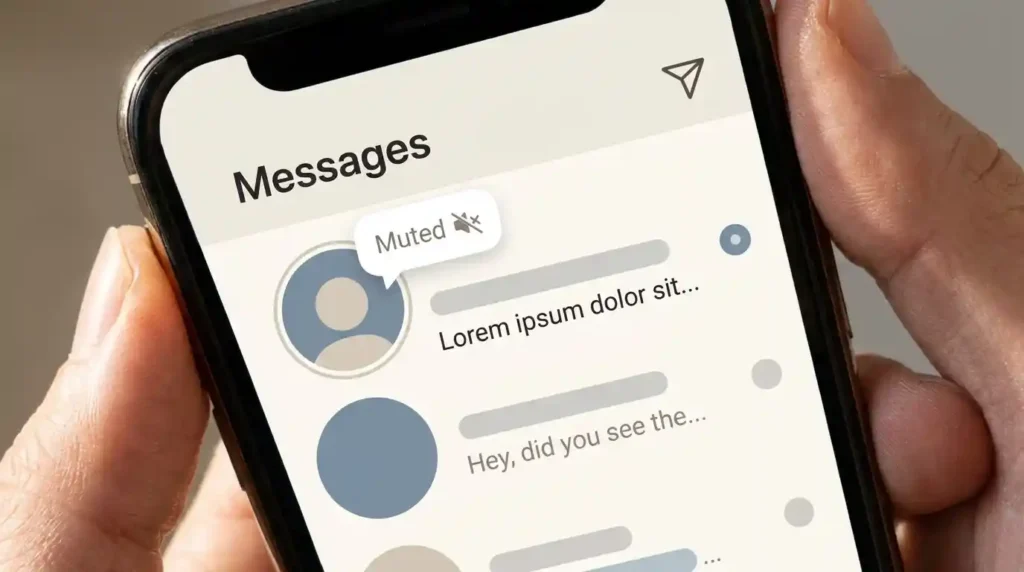
This is the fastest fix if someone’s already posted a note you don’t want to see, and honestly it’s the one I recommend first almost every time. Open your inbox, find their note sitting at the top, and long-press it. A small menu pops up. Tap Mute Notes, confirm it, and that’s it, done in about ten seconds.
Muting only blocks their notes from your view though, worth being clear about that limit. You’ll still see their Stories, still get their DMs, still see their posts in your feed normally. It’s a narrow, targeted mute, not a broader block on the relationship. Good for someone whose notes annoy you but you’re otherwise fine seeing everywhere else on the app.
How do I hide notes from someone on Instagram without them finding out? Mute is genuinely the cleanest option for this specific goal. Nothing gets sent to them, no notification, no visible change on their end at all. They keep posting notes exactly like before, having no idea you’ve stopped seeing them.
Method Two: Switch Your Own Audience to Close Friends
This one flips the direction entirely, instead of hiding someone else’s notes, you’re hiding your own notes from people you don’t want seeing them. When you go to post a note, there’s an audience toggle sitting right there, choose Close Friends instead of the default mutual-followers setting, and only people on that specific list see it.
Managing that Close Friends list works the same way it does for Stories, actually the exact same list gets used across both features. Add someone, remove someone, and it applies everywhere Close Friends shows up on the app, not just notes specifically. If your goal is keeping a specific person from ever seeing your notes again, this beats muting since it works regardless of who you follow or who follows you back.
Does switching to Close Friends only affect notes, or does it change other things too? It affects anything using the Close Friends audience setting, which includes Stories as well as Notes. If you add or remove someone from that list specifically to manage notes, be aware it’ll shift what they see on your Stories too, since it’s genuinely one shared list behind both features.
Method Three: Restrict Their Account
Restricting goes further than muting, and it’s worth knowing the difference before picking one over the other. Go to their profile, tap the three dots, select Restrict. This limits their interactions with you more broadly, comments they leave only show to them unless you approve it, and their notes stop showing up in your inbox as part of that same broader limitation.
Restrict sits in a gray zone between muting and blocking entirely. You stay connected on paper, they can still see your public content, but a real layer of separation goes up around DMs and visibility. This is the one I’d point toward for a situation that feels genuinely uncomfortable rather than mildly annoying, an ex, someone from a bad breakup, a coworker relationship gone sideways.
Does restricting someone on Instagram hide their notes too?
Yes, restricting someone removes their notes from your inbox as part of the broader interaction limits that come with it. It’s a heavier tool than a simple mute though, since it also changes how their comments and messages behave, not just their notes specifically.
Conclusion
Learning how to hide notes from someone on Instagram really comes down to matching the tool to the actual situation. Mute for a quick, invisible fix. Close Friends for controlling who sees your own notes going forward. Restrict for something that needs a bigger boundary than notes alone. None of these send a notification, and none require blocking someone outright, which makes the whole system more flexible than most people realize the first time they actually go looking for these settings.
FAQs
How do I hide notes from someone on Instagram without unfollowing them?
Mute their notes by long-pressing the note in your inbox and selecting Mute Notes, which stops their notes from showing up without affecting your follow status at all. You’ll still see their Stories and posts normally, just not their notes specifically.
Can I hide my Instagram notes from just one specific person?
Yes, switch your note audience to Close Friends when posting and simply don’t add that person to the list. Since notes only reach mutual followers or your Close Friends group, leaving someone off that list is an effective way to exclude them without unfollowing.
Will someone know if I muted their Instagram notes?
No, Instagram doesn’t send any notification when you mute someone’s notes, and there’s no indicator on their end showing the change. They’ll keep posting notes exactly as before, with no way to tell you’ve stopped seeing them.
What’s the difference between muting and restricting someone’s notes on Instagram?
Muting only hides that person’s notes from your inbox while leaving everything else about the relationship unchanged. Restricting hides their notes too, but also limits their comments and messages more broadly, making it a heavier tool for situations needing a real boundary rather than a quiet mute.